
Christmas is the one time of year when even our screens deserve a festive makeover. Whether you’re unlocking your phone a hundred times a day or staring at your desktop while working from home, a warm, cozy Christmas wallpaper can instantly lift your mood and get you into the holiday spirit. In this guide, we’ve put together the best free Christmas wallpaper ideas for both phone and desktop, along with tips on choosing the right style, resolution, and theme for your screens this season.
Why Choose HD Christmas Wallpapers?
Not all wallpapers are created equal. A blurry, low-resolution image might look fine as a thumbnail, but the moment you set it as your home screen or desktop background, pixelation ruins the magic. HD (High Definition) wallpapers matter because:
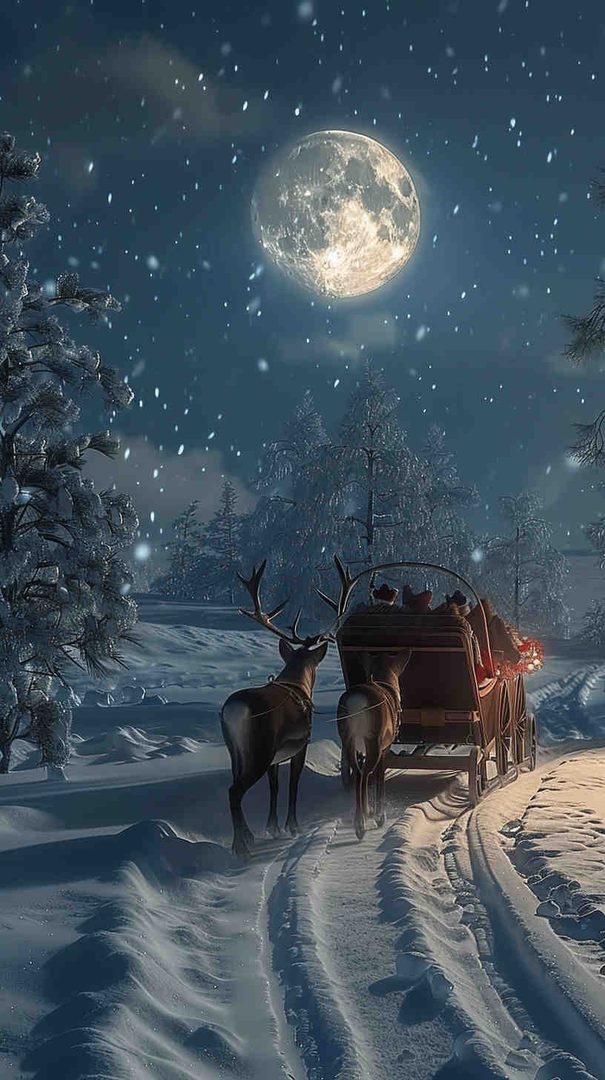
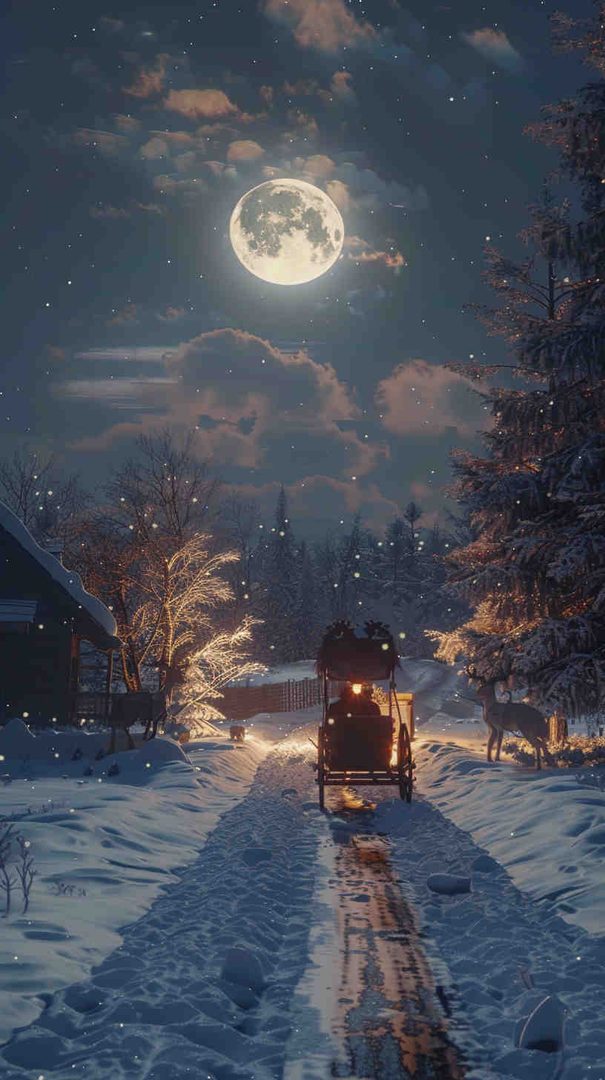
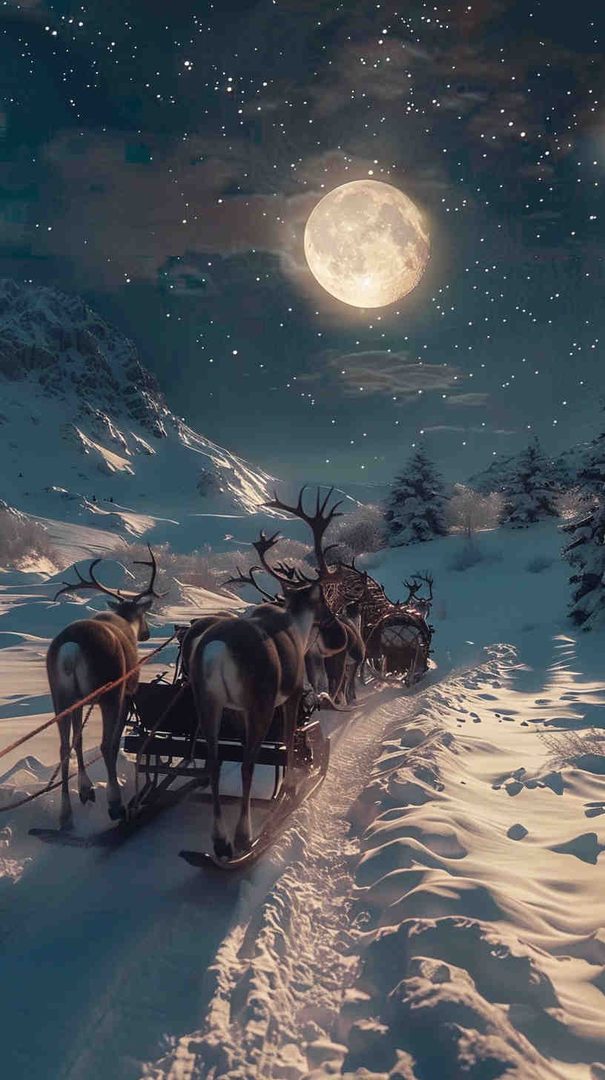
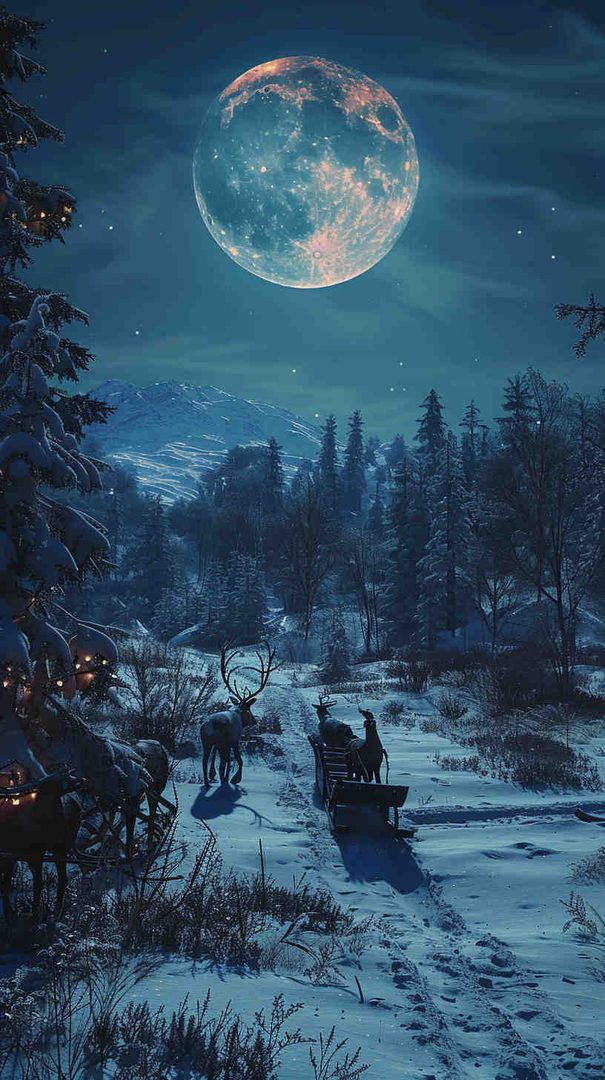


- They look sharp on every screen size — from a small phone display to an ultra-wide monitor.
- They preserve fine details — snowflakes, string lights, and ornament textures stay crisp instead of turning into blurry blobs.
- They match modern display standards — most phones and laptops now support Full HD, 2K, or even 4K resolutions, so a proper HD wallpaper simply looks better.
- They stay vibrant — colors like deep reds, pine greens, and golden lights pop more accurately on high-resolution images.
If you’re going to change your wallpaper for the holidays, it’s worth choosing one that actually does justice to your screen.
Free Christmas Wallpaper Ideas for Phone
Phone wallpapers are viewed constantly throughout the day, so the design needs to be both beautiful and practical — meaning it shouldn’t clash with your app icons, widgets, or clock display. Here are some of the best Christmas wallpaper themes and ideas for phones:
1. Minimalist Snowflake Patterns
Simple, evenly spaced snowflakes on a solid dark background (navy, deep green, or black) keep your icons easy to read while still feeling festive. This style works especially well if you like a clean, uncluttered home screen.
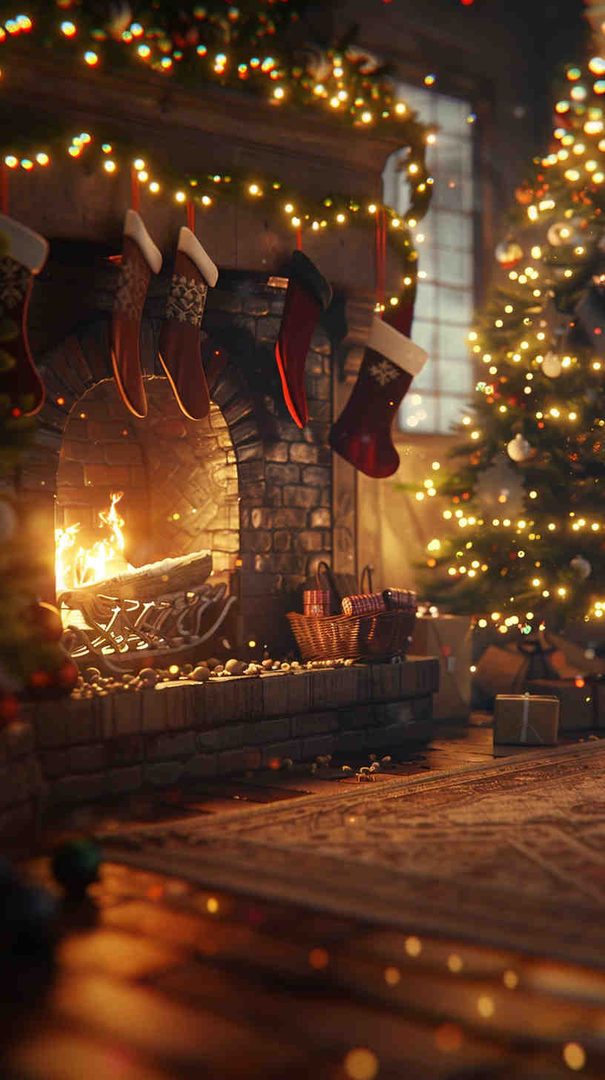
2. Cozy Fireplace Scenes
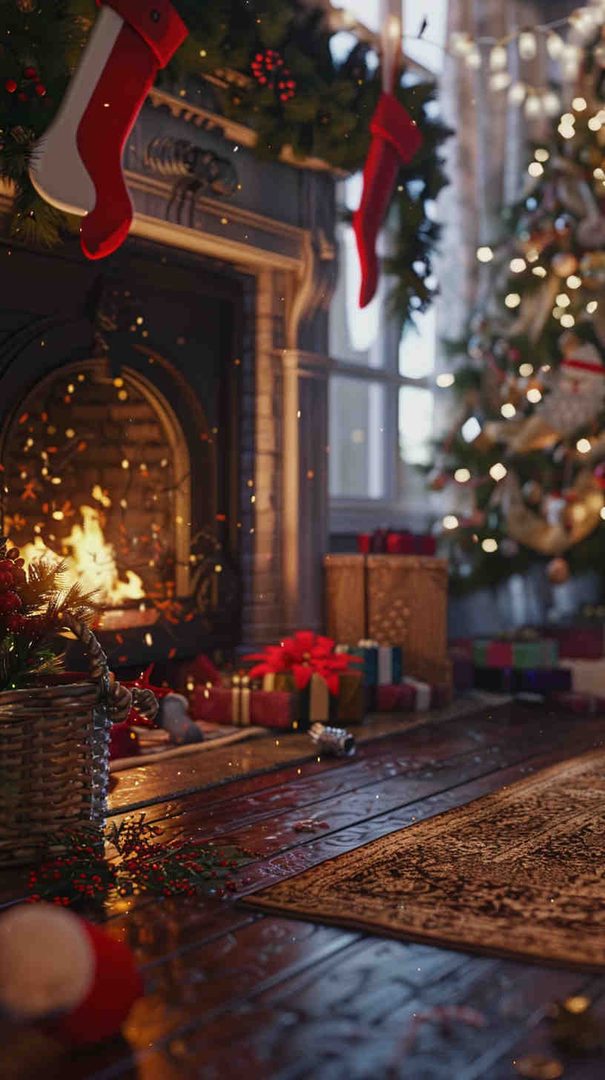
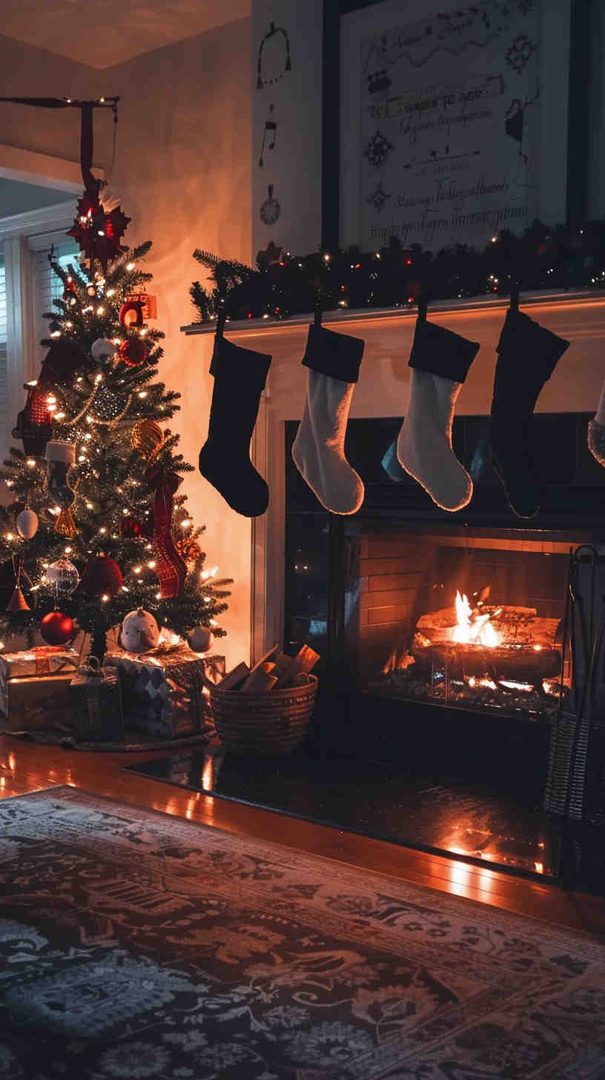
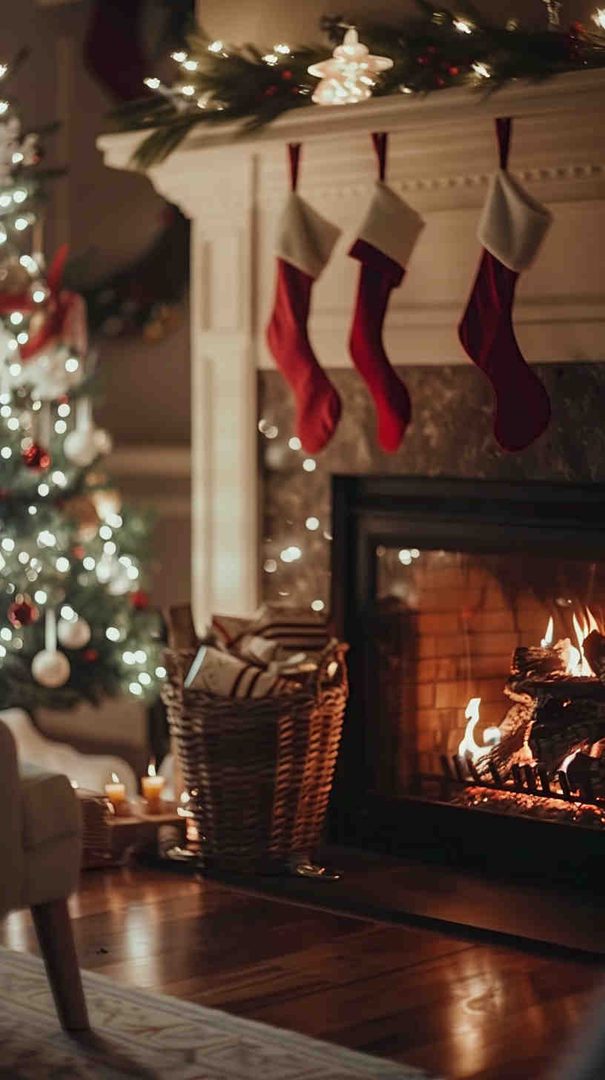
A softly lit fireplace with stockings hung and a warm glow creates an inviting, homey feel every time you check your phone. Look for images with a darker top half so your status bar and notifications remain visible.
3. Christmas Lights Bokeh
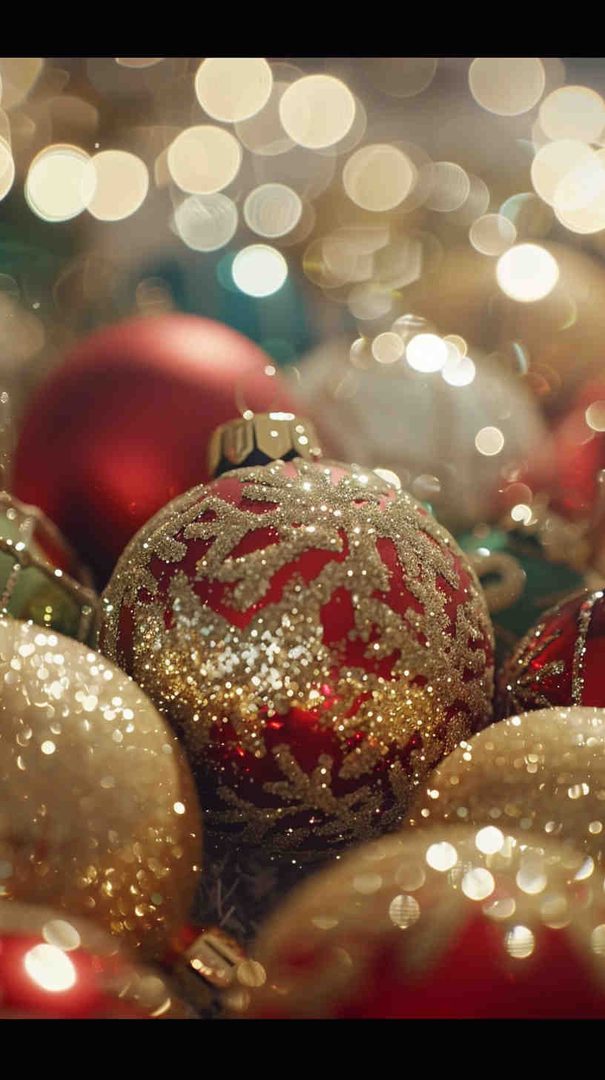
Blurred, glowing string lights in warm gold or multicolor tones make a beautiful bokeh-style background. This is one of the most popular styles because the soft blur naturally leaves room for app icons without visual clutter.
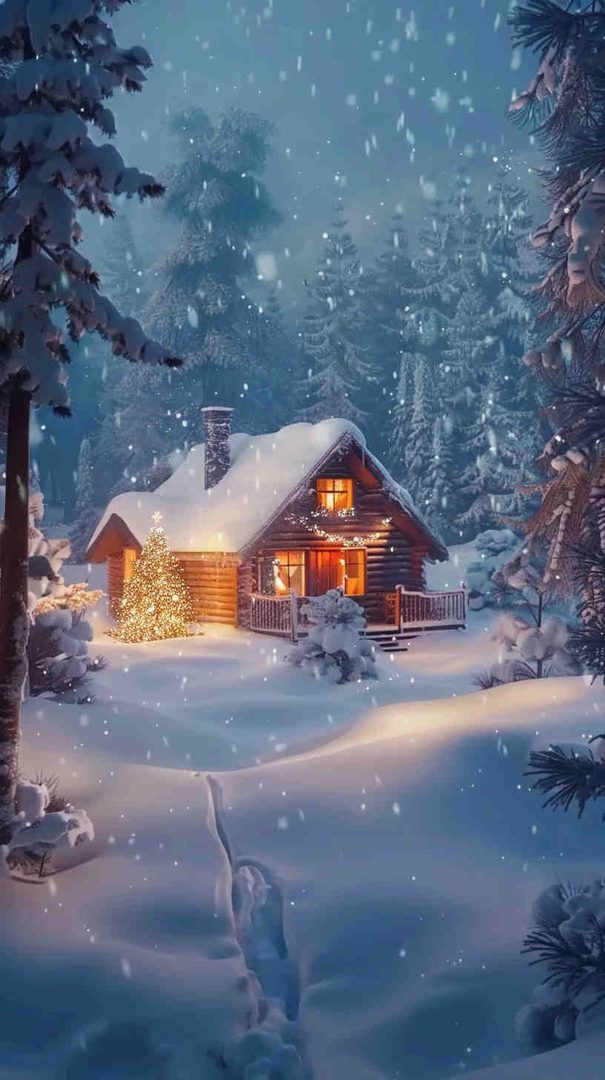
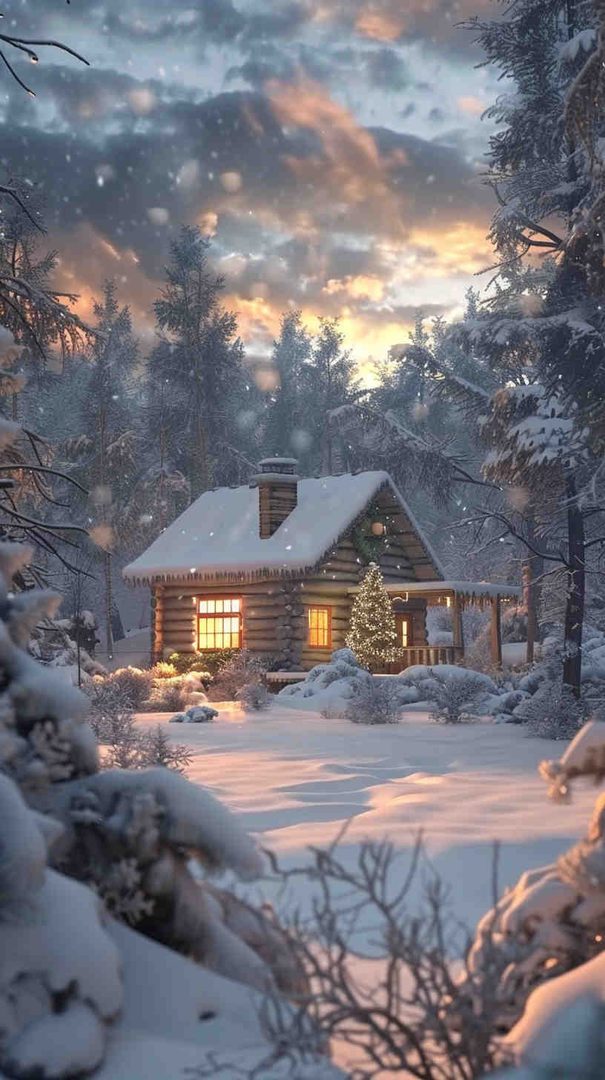
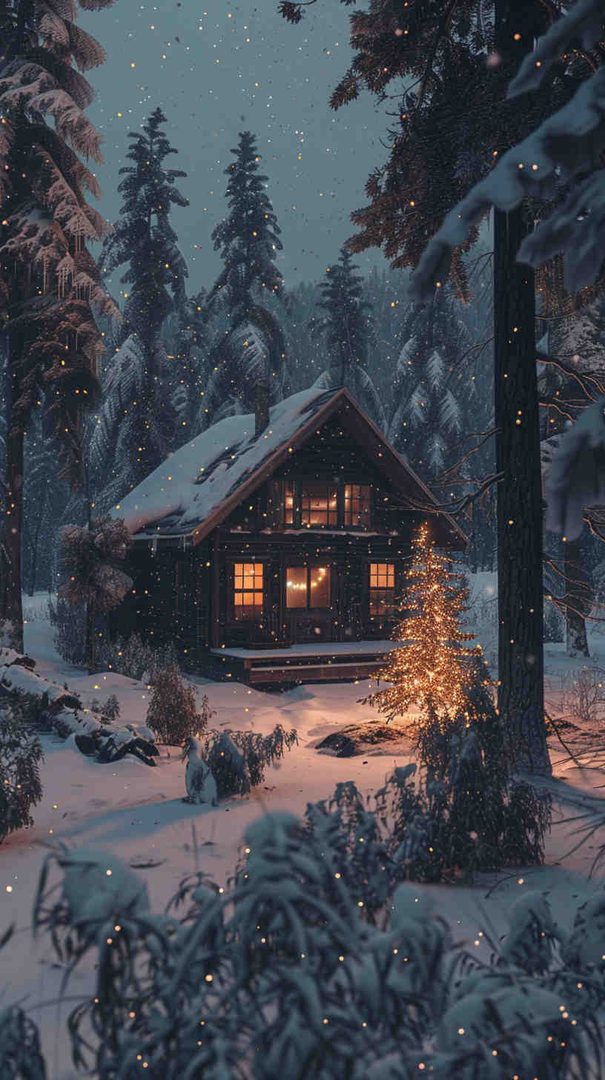
4. Winter Landscape Views
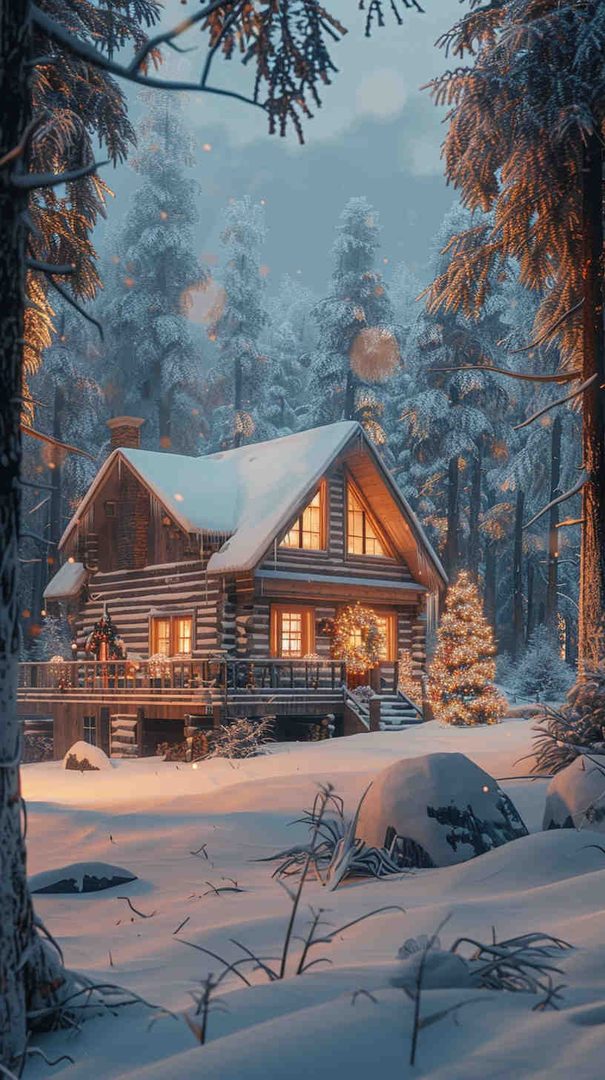
Snow-covered pine trees, a quiet cabin, or a frosty mountain view bring a peaceful, nature-inspired touch to your lock screen. These work particularly well as lock screen wallpapers paired with a simpler home screen design.
5. Christmas Ornaments Close-Up
A macro shot of hanging ornaments — red, gold, and silver baubles with a soft-focus tree in the background — adds richness and depth without being too busy.
6. Gift Boxes and Ribbons





Neatly wrapped presents in classic Christmas colors (red, green, gold) with a slightly blurred background make for a cheerful, high-energy wallpaper choice.
7. Santa & Reindeer Illustrations
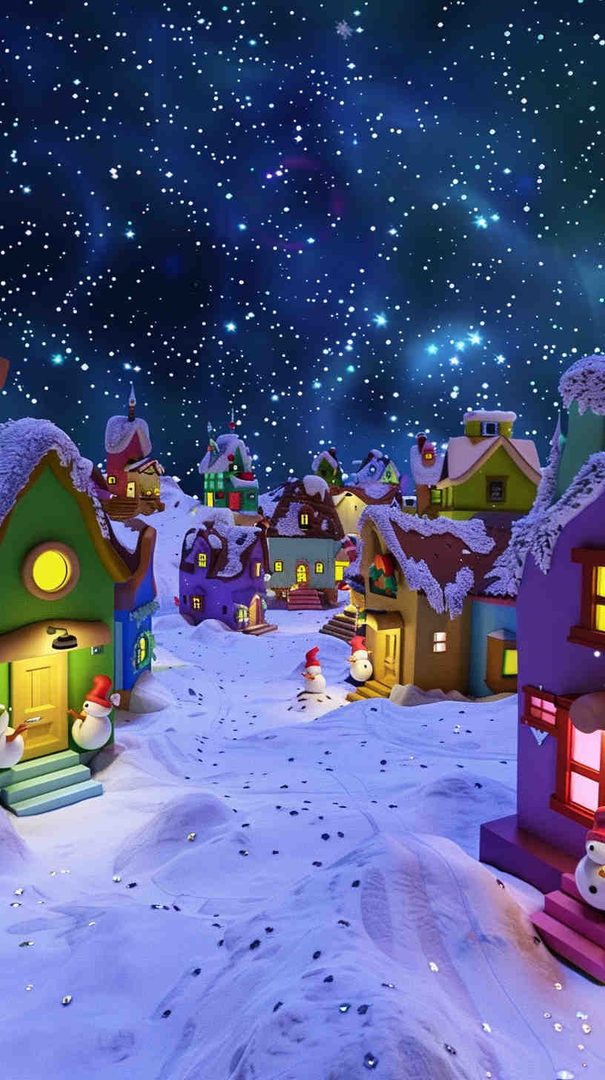
For a more playful, family-friendly vibe, illustrated designs featuring Santa’s sleigh, reindeer silhouettes, or a starry night sky are a fun alternative to photography-based wallpapers.
Tip for phones: Choose portrait-oriented images (typically 1080×1920 or higher) so nothing gets stretched or cropped awkwardly when applied.
Free Christmas Wallpaper Ideas for Desktop
Desktop wallpapers have more room to breathe, since there are no app icons crowding the screen (unless you keep files on your desktop). This gives you the freedom to go bigger and bolder with your festive theme.
1. Panoramic Winter Scenery
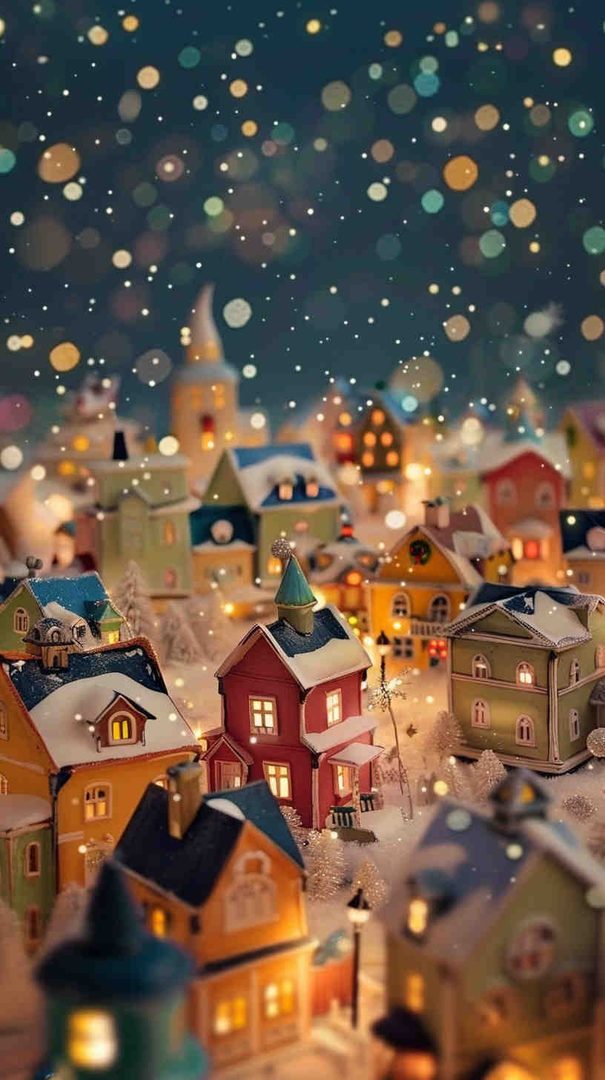
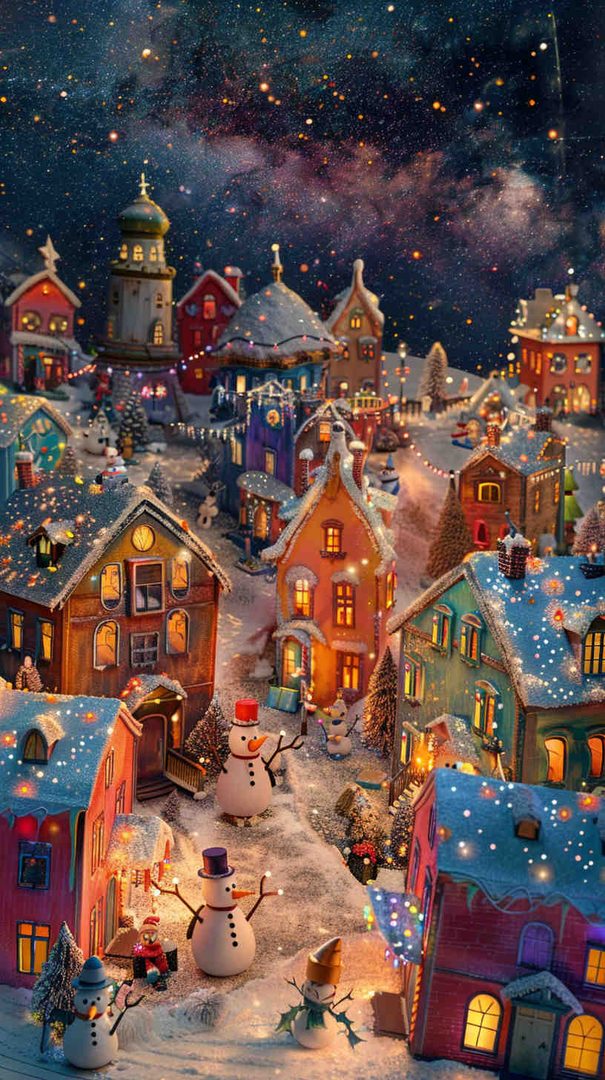
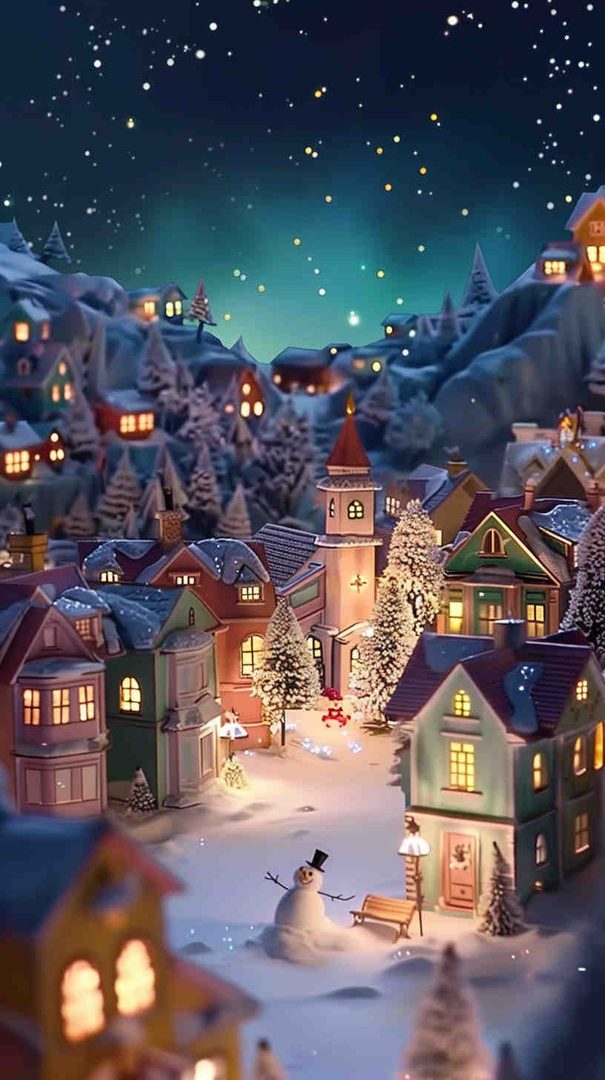
Wide shots of snow-covered forests, frozen lakes, or a small village blanketed in snow look stunning on widescreen monitors and dual-monitor setups.
2. Christmas Tree Close-Ups
A beautifully decorated tree filling the frame, with twinkling lights and ornaments in sharp focus, makes for a striking, high-impact desktop background.
3. Flat-Lay Holiday Arrangements
Top-down shots of pinecones, cinnamon sticks, candy canes, and holly arranged on a rustic wooden table give a stylish, editorial feel — popular for minimalist or aesthetic desktop setups.
4. Christmas Market Scenes
Twinkling market stalls, string lights overhead, and a snowy street create an atmospheric, almost cinematic desktop wallpaper.
5. Abstract Christmas Patterns
Geometric or abstract designs using traditional holiday colors (red, green, gold, white) offer a modern twist for those who want festive vibes without a literal Christmas image.
6. Cozy Workspace Themes
Wallpapers featuring a warm cup of cocoa, a candle, and soft twinkling lights next to a window are especially popular for work-from-home desktops, blending productivity with holiday warmth.
7. Nighttime City Lights
Skylines decorated with holiday lights and snowfall bring an urban, festive energy — a great option if you prefer city aesthetics over rustic or nature themes.
Tip for desktops: Look for landscape-oriented images in at least 1920×1080 resolution, and ideally 2560×1440 or 3840×2160 (4K) if your monitor supports it, so the image stays crisp even on larger displays.
How to Choose the Right Christmas Wallpaper for You
With so many options, narrowing it down comes down to a few simple questions:
- Do you want it subtle or bold? Minimalist patterns and soft bokeh work well if you check your phone often and don’t want visual clutter. Bold, detailed scenes are better suited for desktops where the image can be fully appreciated.
- Does it match your icon and widget colors? Darker backgrounds tend to make white text and icons easier to read, while lighter, snow-themed wallpapers pair well with dark-mode icons.
- Is the resolution right for your screen? Always match or exceed your device’s native resolution to avoid blurriness or stretching.
- Do you want a matching set? Many people prefer a coordinated look — for example, a fireplace scene on the phone and a cozy living room scene on the desktop — to keep the same warm feeling across every device they use.




How to Set Your Christmas Wallpaper
On a phone (iOS or Android):
- Save your chosen HD image to your photo gallery.
- Go to your phone’s Settings and find “Wallpaper” or “Display.”
- Select the saved image, adjust the framing if needed, and set it as your lock screen, home screen, or both.
On a desktop (Windows or Mac):
- Save the HD image to your computer.
- Right-click on your desktop and select “Personalize” (Windows) or open “Desktop & Screen Saver” settings (Mac).
- Choose the image and select a fit option — “Fill” or “Fit” usually works best for high-resolution wallpapers.
Frequently Asked Questions
- What resolution is best for a Christmas wallpaper? For phones, aim for at least 1080×1920 (Full HD). For desktops, 1920×1080 is the minimum, with 2560×1440 or 4K recommended for larger monitors.
- Should I use the same wallpaper for my lock screen and home screen? It’s a personal choice. Many people use a detailed scene for the lock screen and a simpler, less busy image for the home screen so icons stay easy to read.
- How often should I change my Christmas wallpaper? There’s no rule — some people switch weekly to match different parts of the season (Advent, Christmas Eve, New Year), while others pick one favorite and keep it through January.
- Can I use festive wallpapers for both work and personal devices? Absolutely. A subtle, elegant design (like a soft bokeh or minimalist pattern) tends to look professional enough for work laptops while still feeling festive.


Final Thoughts
A great Christmas wallpaper does more than decorate your screen — it sets the tone every time you glance at your phone or sit down at your desktop. Whether you lean toward cozy fireplace scenes, sparkling city lights, or clean minimalist snowflakes, the right HD wallpaper brings a little extra warmth and joy to your everyday routine this holiday season. Pick a style that matches your personality, make sure the resolution suits your screen, and enjoy a festive digital space all December long.
Please share this Free Christmas Wallpapers for Phone & Desktop (HD) with your friends and do a comment below about your feedback.
We will meet you on next article.
Until you can read, Blue and White Wallpaper: 30+ Stunning Design Ideas